

Top 10 Advantages of School Timetable Management System in School ERP
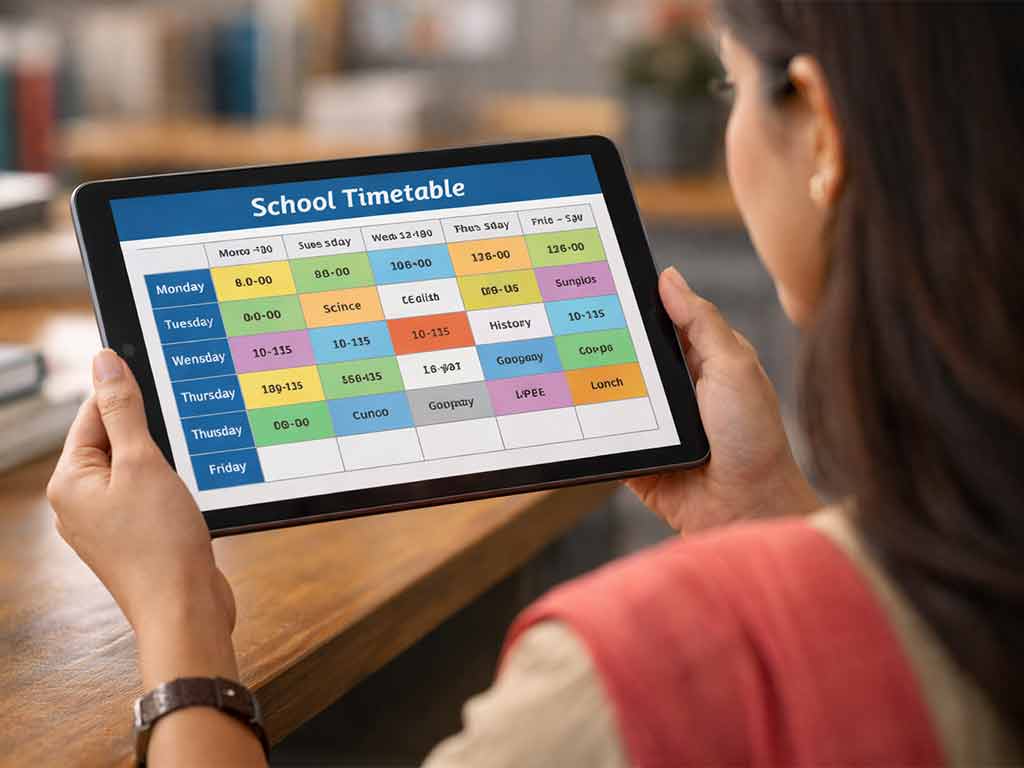
Imagine the night before the new academic session begins. The principal’s office looks like a war zone with piles of Excel sheets and crossed-out papers strewn all over the table. Teacher clashes over routine management are what caused the chaos for three years straight. Sound familiar?
Now picture just the opposite: A single click on your laptop or mobile screen, and a perfectly balanced, conflict-free timetable appears that smartly allocates teachers, classrooms, labs, and even extracurricular slots while respecting everyone’s availability and preferences. No drama. No last-minute scrambles. Just calm, optimized learning magic.
In modern educational institutions, managing a school timetable is no longer a simple task of assigning teachers and subjects to time slots. Schools must coordinate multiple classes, subjects, teachers, labs, activities, and examinations while ensuring that there are no conflicts or overlaps. This complexity has led many institutions to adopt a School Timetable Management System as part of their School ERP (Enterprise Resource Planning) platform.
A School ERP with an integrated timetable management system helps administrators automate the scheduling process, reduce errors, and improve overall academic planning. Here are the top 10 advantages of a school timetable management system in Cloud-Based School Management System.
1. Automated Timetable Generation
One of the biggest advantages of a timetable management system is automation. Instead of manually preparing schedules on paper or spreadsheets, the system can automatically generate class timetables based on predefined parameters such as:
- Teacher availability – The system considers the working hours, subject specialization, and leave schedules of teachers to assign classes only when they are available.
- Subject requirements – It ensures that each subject receives the required number of periods per week according to the academic curriculum.
- Classroom capacity – The system assigns appropriate classrooms or labs depending on the number of students and the type of class, such as theory sessions or practical lessons.
- Weekly teaching hours – It balances the total teaching load for each teacher so that no one is overburdened and all required hours are properly distributed.
This significantly reduces the time and effort required to create timetables while minimizing human errors.
2. Elimination of Scheduling Conflicts
Manual scheduling often leads to conflicts such as:
- A teacher assigned to two classes at the same time – This happens when schedules are created manually and overlapping periods are not noticed during planning.
- Double booking of classrooms or labs – The same classroom, computer lab, or science lab may accidentally be assigned to multiple classes in the same time slot.
- Overlapping subjects for students – Students may be scheduled to attend two different subjects at the same time, especially in higher classes with elective subjects.
A timetable management system automatically detects such conflicts and prevents them, ensuring that every class, teacher, and room is assigned properly without clashes.
3. Efficient Teacher Workload Management
School Management Software systems help distribute teaching hours fairly and efficiently among teachers. Administrators can:
- Monitor the number of classes assigned to each teacher – The system provides a clear overview of each teacher’s timetable, making it easy to track how many periods they are handling daily or weekly.
- Avoid overloading certain teachers – By automatically balancing subject assignments, the system prevents situations where some teachers are given too many classes while others have fewer responsibilities.
- Maintain balanced schedules – The ERP ensures that teaching periods, free periods, and non-teaching duties are properly distributed throughout the week for every teacher.
This improves teacher productivity and helps maintain a healthier work environment.
4. Easy Timetable Modifications
Schools often need to modify schedules due to:
- Teacher leave – When a teacher is absent due to leave, illness, or training programs, the system allows administrators to quickly assign a substitute teacher or rearrange the class.
- Special events – School functions, sports days, cultural programs, or workshops may require temporary adjustments to the regular timetable.
- Examinations – During exam periods, regular classes may need to be rescheduled or replaced with examination slots and invigilation duties.
- Guest lectures – Invited speakers, special training sessions, or expert talks may require adjustments in the schedule to accommodate these sessions.
With a digital timetable system, administrators can update schedules instantly, and the changes are reflected across the entire system without having to recreate the entire timetable.
5. Real-Time Access for Teachers and Students
Teachers and students can access their schedules anytime through the ERP dashboard or mobile application. This ensures that:
- Teachers know their daily teaching schedule – Teachers can quickly check their upcoming classes, free periods, and room allocations without depending on printed timetables.
- Students are aware of subject timings – Students can easily view their daily or weekly class schedule, helping them stay organized and prepared for each subject.
- Substitute classes are easily communicated – If a teacher is absent or a class is rescheduled, the updated information becomes instantly visible to both teachers and students.
Real-time accessibility improves transparency and communication within the institution.
6. Better Classroom and Resource Utilization
Schools often have limited resources such as labs, smart classrooms, and activity rooms. A timetable management system ensures optimal allocation of these resources by:
- Preventing double bookings – The system automatically checks room availability before assigning classes, ensuring that the same classroom or lab is not scheduled for multiple classes at the same time.
- Scheduling lab sessions efficiently – Practical sessions in science labs, computer labs, or language labs can be organized in a structured way so that different classes get proper access without conflicts.
- Maximizing classroom usage – The system distributes classes across available rooms and time slots, ensuring that school infrastructure is used efficiently throughout the day.
This leads to better infrastructure management.
7. Integration with Other ERP Modules
A major advantage of School ERP is module integration. The timetable system can connect with:
- Attendance management – Once the timetable is created, the attendance system automatically links teachers and students to their respective classes, making daily attendance tracking quick and accurate.
- Examination scheduling – The timetable module can coordinate with the examination system to allocate exam slots, assign invigilators, and manage exam hall arrangements.
- Teacher workload reports – The system can generate reports showing the total teaching hours, subject distribution, and class responsibilities of each teacher.
- Student academic records – Class schedules can be connected with student profiles, helping track subject-wise attendance, performance, and academic progress.
For example, once a timetable is generated, the attendance system can automatically map teachers and students for each class.
8. Improved Academic Planning
Timetable management systems help schools plan the academic calendar more effectively. Administrators can:
- Allocate appropriate hours for each subject – The system ensures that every subject receives the required number of periods per week according to the curriculum guidelines.
- Balance theoretical and practical sessions – Schools can properly schedule theory classes along with laboratory or activity-based sessions to create a balanced learning experience.
- Ensure proper spacing between subjects – Difficult or intensive subjects can be spaced out across the week so that students do not face excessive academic pressure in a single day.
This structured planning contributes to better learning outcomes for students.
9. Instant Notifications and Updates
If a class is rescheduled or a teacher is replaced, the ERP system can send instant notifications to teachers and students through:
- Mobile apps – Teachers, students, and even parents can receive real-time updates directly on the school’s ERP mobile application.
- SMS alerts – Important timetable changes or urgent updates can be sent through SMS to ensure that everyone receives the information immediately.
- Email notifications – Schools can also communicate schedule updates through email, providing detailed information about the changes.
This reduces confusion and ensures everyone stays updated.
10. Data Insights and Reporting
Modern ERP systems provide analytics and reports related to timetable usage. Schools can analyze:
- Teacher workload distribution – Administrators can review how teaching hours are distributed among teachers and identify any imbalance or overload.
- Classroom utilization rates – The system shows how frequently classrooms, labs, and other facilities are used, helping schools optimize resource allocation.
- Subject frequency and coverage – Schools can track whether each subject is receiving the required number of periods and ensure that the syllabus is being covered properly.
These insights help administrators make data-driven decisions for future academic planning.
Conclusion
A School Timetable Management System integrated with School ERP simplifies one of the most complex administrative tasks in educational institutions. By automating scheduling, eliminating conflicts, improving communication, and optimizing resource usage, it enables schools to operate more efficiently.
As schools increasingly adopt digital solutions, timetable management systems are becoming an essential tool for streamlined operations, better academic planning, and enhanced institutional productivity.